Introduction: The Real Moment When Hybrid Fails
Last Tuesday, your team tried to patch in clients from Jakarta and Munich—and the first five minutes went to audio checks, again. Today, many firms are testing hybrid meeting room solutions to keep sessions smooth across sites. In a hybrid conference, small delays snowball: surveys show teams lose 12–18 minutes per meeting to setup or echo fixes, which drains focus and patience (tak best, kan?). So here’s the question: if the room looks modern, why does it still struggle? Is it the gear, the network, or the way people actually use the space?
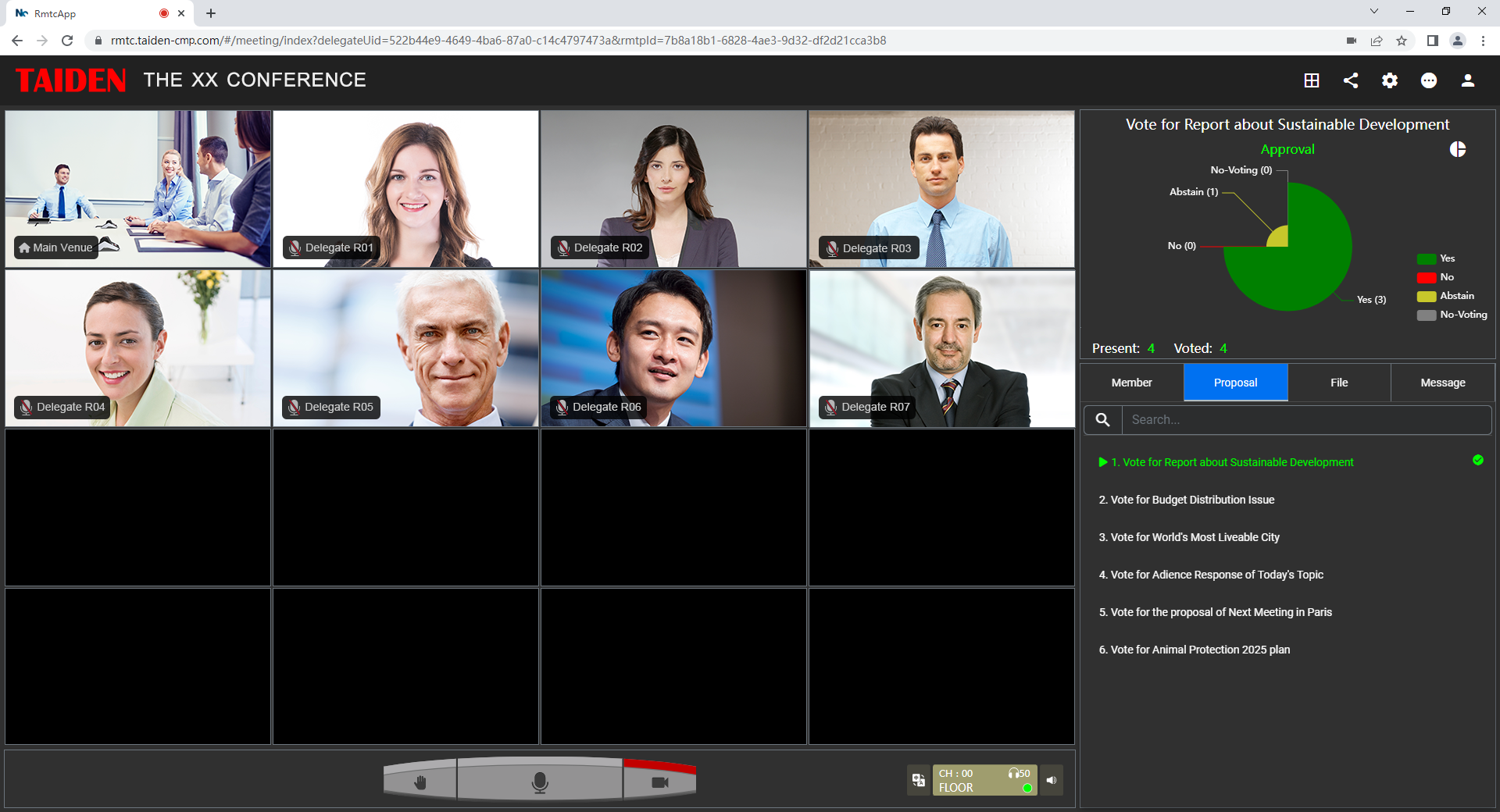
Bold truth: the problem is rarely one device. It’s a chain—mics, cameras, displays, and the platform—plus human habits. Latency budgets get blown by poor QoS, auto-framing PTZ cams miss faces, and folks speak over each other because the room doesn’t signal who has the floor. We need a clearer map of where friction hides, then we can fix it, steady-steady. Let’s unpack that and move to what truly improves flow next.
The Deeper Problem: Hidden Friction Users Feel First
Why do well-equipped rooms still fail?
Users don’t complain about “acoustics”; they complain they cannot hear Aisyah when two people talk. That’s a beamforming microphones and echo cancellation DSP issue, tied to how the room is tuned after install. Look, it’s simpler than you think: if the pickup lobe points at the glass wall, reflections confuse the DSP—funny how that works, right? Add a platform handoff delay, and your talker gets clipped. Meanwhile, edge computing nodes meant to trim latency sit idle because traffic never leaves the default VLAN. The result feels like “lag,” but it’s actually a chain of tiny losses at each hop.

Then there’s trust. People lose confidence when a room behaves differently every time. Auto-switching between HDMI ingest and wireless casting without clear logic causes “ghost” reboots. Power converters hum, PoE switches negotiate at 100 Mbps, and auto gain control pumps the audio when someone opens the door. Even with slick signage, users will go back to speakerphones if the room misfires once too often. This is the hidden pain: not the spec sheet, but the unpredictability. Standard kits ignore room mode, speech patterns, and scheduling pressure. Users just want: walk in, speak, be seen, no echo—can or not?
From Friction to Flow: Principles That Make Hybrids Future-Ready
What’s Next
Fixing the present means planning for what’s coming. Start with media paths. Modern hybrid meeting solutions now lean on adaptive bitrate with forward error correction (FEC), so brief Wi‑Fi dips don’t wreck speech. Pair that with SD‑WAN for stable cross-site routes, and your latency stops jumping. On audio, AES67 or Dante networks let you place mics where speech lives, not where cable trays allow. A small WebRTC gateway or an MCU can normalize different platforms, so Teams, Zoom, and SIP endpoints play nice. And yes, structured QoS plus VLANs—boring but gold—keeps voice ahead of screen shares.
Cameras are maturing too. Auto-framing PTZ guided by occupancy sensors and beam-tracking cues reduces “talker roulette.” Edge analytics on mini PCs can do speaker diarization locally, then pass clean cues upstream—less cloud guesswork. Power this with PoE++ to simplify runs, and monitor it with a simple heartbeat check (green, amber, red) so facilities teams act before users notice. This is the shift: rooms that self-measure, adapt, and recover. Not just prettier screens—systems that respect time. The payoff is calm starts, clearer turn-taking, and fewer “can you hear me?” moments— and yes, it scales.
Practical Takeaways: Choosing What Works Without Overbuying
Let’s keep it grounded. We learned that hybrid pain hides in small breaks across audio pickup, network priority, and human routine; fixing one piece without the chain won’t last. To choose well, use three metrics: 1) Stability under stress: measure packet loss tolerance with FEC on and off, plus failover time on your SD‑WAN; 2) Speech clarity in context: verify signal-to-noise at seats and far wall, with beamforming profiles and DSP presets logged per room type; 3) Recovery speed: cold-start to “ready” time, plus auto-resync after HDMI or wireless handoff. If a solution scores well here, the rest follows. Vendors evolve fast, but the principles above hold steady. For a deeper look at integrated conference ecosystems and standards alignment, see TAIDEN.
