Quick lead — what this framework does
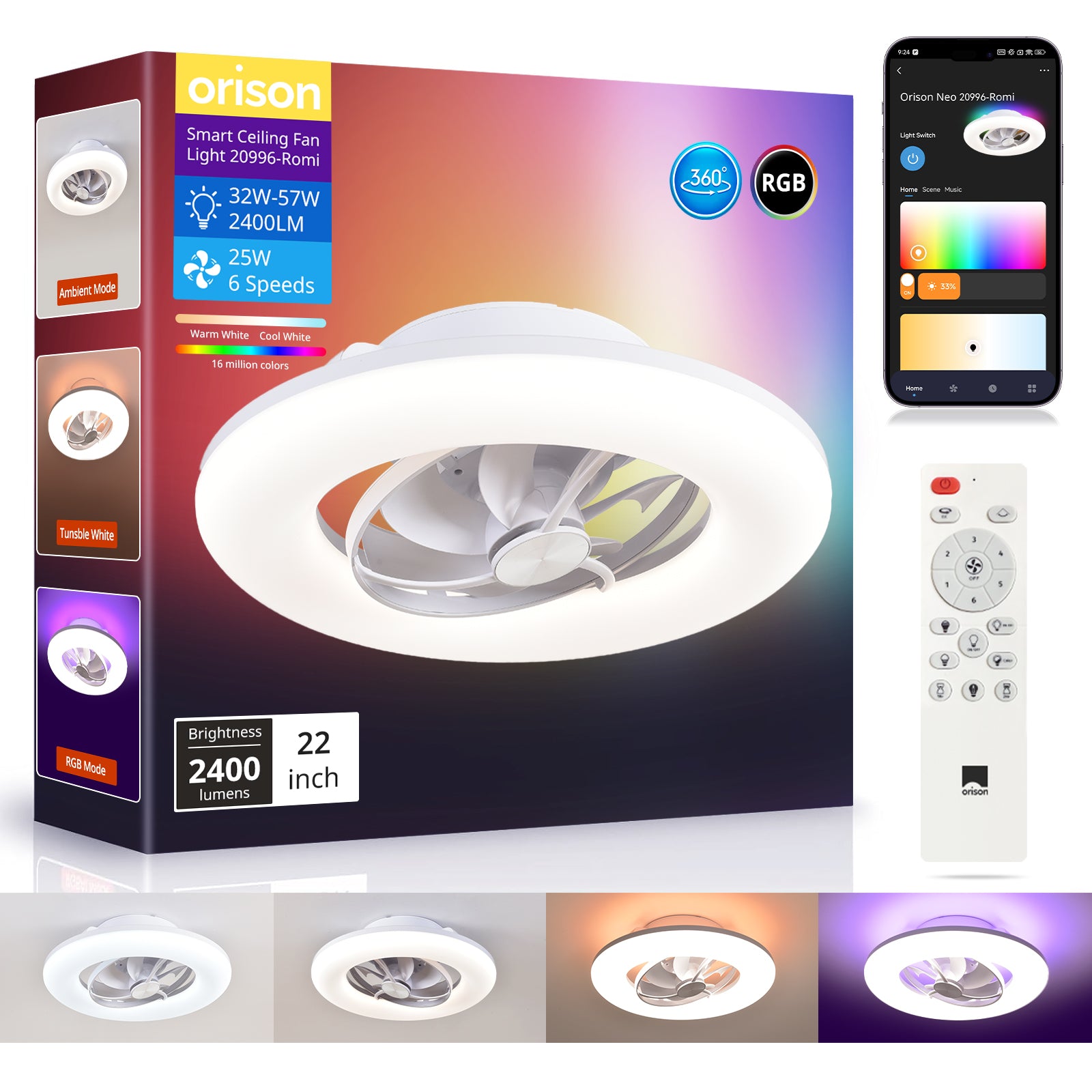
This short framework shows how to connect a retro ceiling fan with light to modern automation hubs. It’s practical and step-by-step. If you own an older unit and want reliable control, start by checking a model like the ceiling rotating fan as a reference for what smart-ready hardware looks like. The goal is clear: keep the fan’s character, add remote or hub control, and avoid rewiring your whole home.
Why use a framework
A framework keeps choices simple. Instead of guessing between smart bulbs, switches, or full replacement, follow a sequence: assess, pick an integration path, install safely, and validate. This reduces surprises in supply or compatibility — a lesson many Jakarta apartment owners learned after the 2020 supply-chain disruptions when retrofit parts were suddenly delayed. The framework helps you move from idea to working setup without backtracking.
Step 1 — assess the fan and the room
Check three things first: motor type, control method, and wiring. Is the fan AC or DC? Does it use a wall fan speed controller or pull-chains? Do you have a neutral wire in the ceiling box? These facts determine your options. Note the fan’s oscillating range and how the light integrates with the motor — that affects whether you need separate channels for fan and light in your hub.
Step 2 — pick an integration path
There are three common paths: smart switch retrofit, inline fan controller (a retrofit kit), or full smart fan replacement. Each has trade-offs.

- Smart switch retrofit: Uses wall switches compatible with Zigbee or Wi‑Fi hubs. Good when ceiling wiring has a neutral. Keeps original fan. Minimal cost.
- Inline fan controller: A small module near the ceiling motor to control speed and light separately. Works when you lack a neutral at the switch. Slightly more complex to install because it touches motor wiring and capacitor connections.
- Full replacement: Swap the whole unit for a native smart fan. Best if the old motor is noisy or the blades are damaged. Higher cost but clean integration and firmware updates.
Choose by matching your wiring situation and your tolerance for tinkering. If you prefer plug-and-play and want oscillation and scene control, opt for a hub-friendly option. —
Step 3 — installation and safety checklist
Follow a short checklist: turn off the breaker; confirm weight support of the bracket; verify neutral and ground; avoid bypassing the motor capacitor; secure all connectors; and test with the hub before closing the canopy. Use a labeled wiring diagram for the fan’s motor and light circuits. If you’re unsure about the capacitor or the fan speed controller compatibility, hire a licensed electrician — simple mistakes can damage the motor or void insurance.
Common mistakes and practical alternatives
Brands and DIYers often make the same errors. They buy a smart switch that lacks a neutral when the switch box actually needs one. Or they try to control a multi-speed AC motor with a dimmer designed for incandescent lamps — that causes hum or no control. Another common mistake: not checking the hub’s protocol. Some hubs use Zigbee; others use Wi‑Fi or Z‑Wave. Match protocol to your hub unless you plan to buy a new hub.
If you want minimal wiring work, consider a ceiling-mounted inline module that communicates via Wi‑Fi or a radio bridge. If you prefer guaranteed compatibility with an app and scheduled scenes, a modern smart fan or a tested retrofit kit is the cleaner choice. Alternatives include using a smart light bulb for the light circuit only while leaving fan speed manual — a low-risk compromise for heritage fans.
Compatibility notes and quick specs
Look for these specs when buying parts: supported motor type (AC vs DC), load rating in watts, support for multi-speed control, required neutral, and hub protocols (Zigbee, Wi‑Fi, or proprietary RF). Keep your fan’s manufacturer manual handy for torque and capacitor values. Industry terms to know: oscillating pattern, fan speed controller, and retrofit kit. These terms help when you read product specs or ask vendors technical questions.
Advisory — three golden rules to evaluate solutions
1) Protocol and hub match: Choose devices that use the same protocol as your existing hub or pick a hub that supports the device you want. Interoperability matters more than features.
2) Wiring fit first: Always confirm neutral, ground, and separate light circuit before buying. If the wiring doesn’t match, the cheapest part will be useless.
3) Durability and serviceability: Prefer products with clear installation guides, replaceable modules, and firmware updates. This reduces long-term maintenance and prevents stranded hardware.
Do this right and your retro fan keeps its look while joining modern scenes and schedules. For many homes, a tested smart module or a well-documented smart fan makes the upgrade painless — and that’s the practical value Orison brings to the table. Orison. —